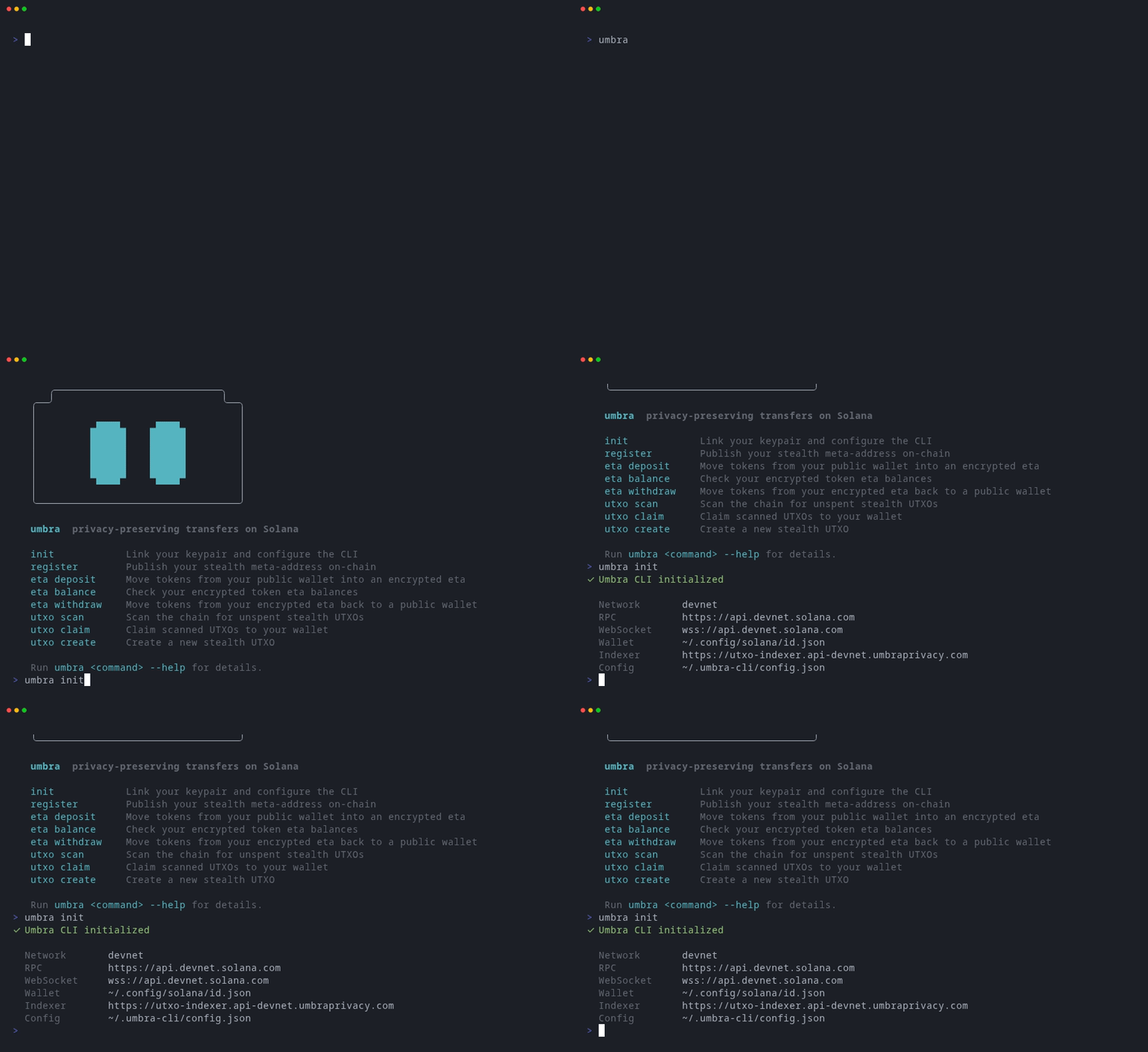
Install
Step 1 — Add a user
Link a signer to the CLI. The simplest option is a local Solana keypair file (the same format used bysolana-keygen).
~/.config/solana/id.json. Pass --param keypair=<path> to use a different file:
user add for the required params.
The first user you add is automatically set as the active user. To switch later, run umbra user use <name>.
Step 2 — Configure the network
By default the CLI connects todevnet. To switch to mainnet:
umbra config get at any time to see current settings.
Step 3 — Register
Create your on-chain Umbra account. This publishes your encryption key and user commitment to the Solana network, enabling both encrypted balances and the mixer.Your wallet will prompt you to sign a message during registration. This signature derives your master seed — the root of Umbra’s key hierarchy. It is not a transaction and costs no SOL.
Step 4 — Deposit
Move tokens from your public wallet into an encrypted balance. Amounts are in native token units (accounting for decimals).Step 5 — Check your balance
Step 6 — Withdraw
Move tokens back to your public wallet:Next steps
- Use
--recipientoneta depositto shield tokens directly into another user’s encrypted balance. - Use
utxo createandutxo claimfor anonymous mixer transfers. - Run any command with
--helpfor the full option list.